

Tenovi Bariatric Scale
Need help with your Tenovi Bariatric Scale? Find everything you need to know from set up to measurement best practices and troubleshooting. We’ve got you covered.
Jump To SectionHow It Works
Top Tips for Successful Measurement
Proper Scale Usage
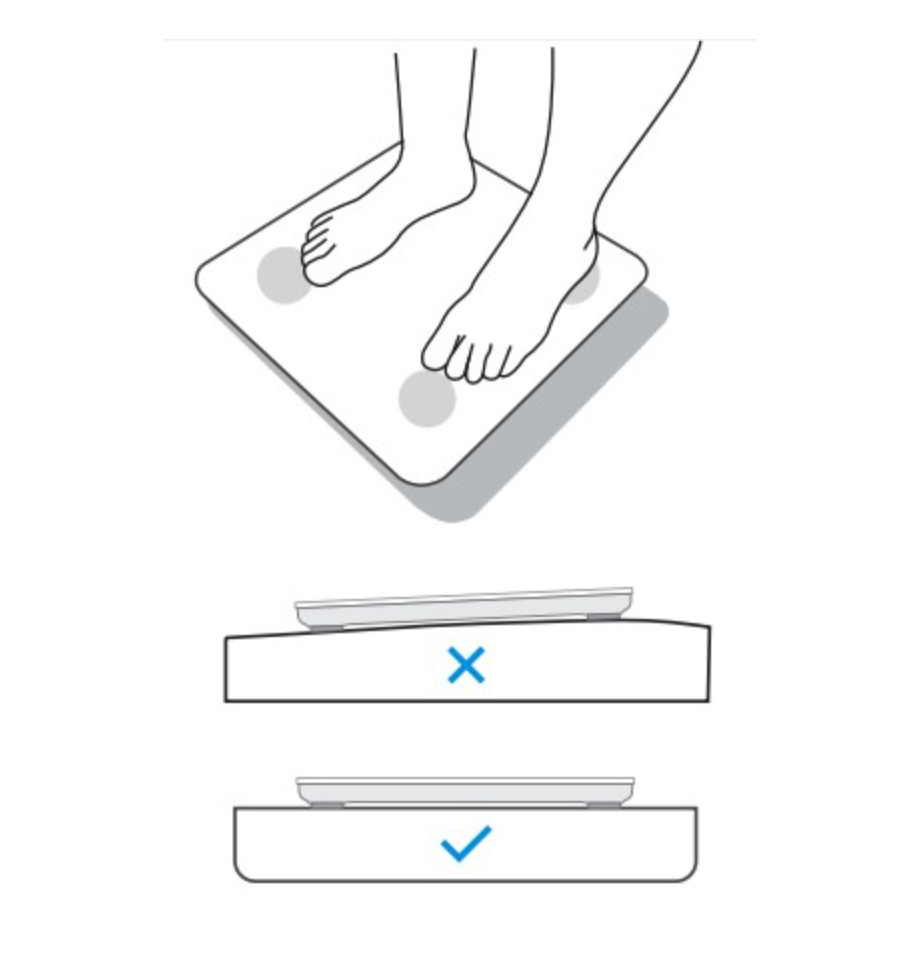
The scale should not be used on carpet, rug, or uneven floor. Ensure that the floor under the scale is clean and free of debris. The scale feet must be level and stable. Don’t lean or hold anything while standing on the scale.
To toggle between pounds and kilograms, remove the battery compartment cover and press the button labeled “UNIT”.

Accurate Measurements
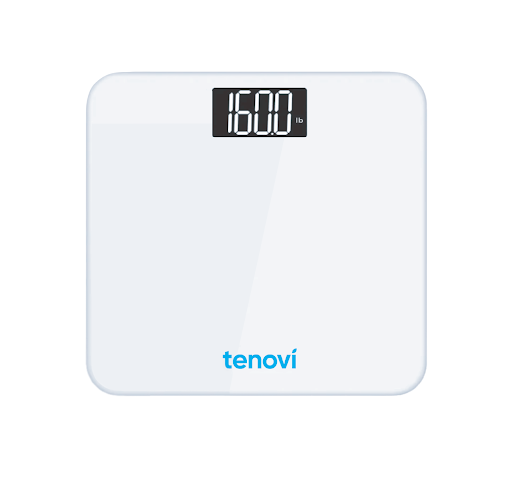
Wait for the scale to say 0.0 before stepping on, or the weight measurement may be inaccurate. After stepping on the scale, wait for the screen to flash and turn off before stepping off.
For the most accurate measurement, stand with both feet on the scale and arms at your side. Do not lean or support yourself by grabbing onto something while taking your measurement.

Setup & Use Steps
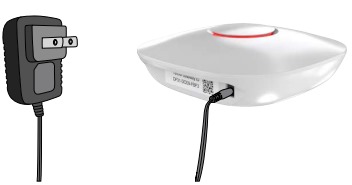
Power Your Gateway
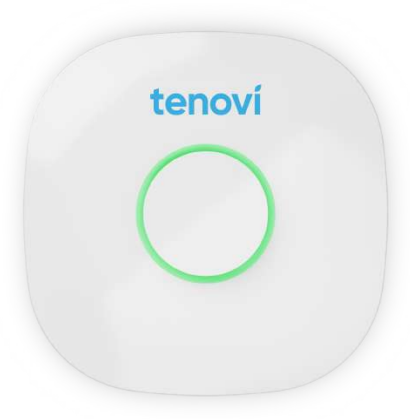
Plug your Gateway into a power outlet with the provided power cord and wait until the LED on the Gateway turns RED.
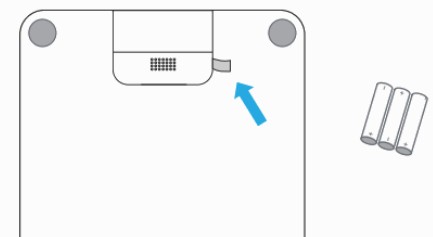
Remove Pull Tab
Remove pull tab from the battery compartment to power on the device.
Scale Placement
Place your scale on a flat and hard surface. Do NOT place the scale on carpet or soft surface.
Make sure you are placing the scale on a clean surface, ensuring there is no debris under or around the scale.
Scale Operation
Step on the scale with clean, bare feet and keep your arms at your side. Do not lean or hold anything while standing on the scale.
Wear as little clothing as possible.
Do not step off the scale until the screen turns off.
If the LED ring is GREEN , you have properly taken a measurement for the day and that measurement has been successfully transmitted.

Daily Measurements
Take one measurement each day unless advised otherwise by your healthcare provider. The LED will turn RED at midnight and then turn GREEN and BEEP once your first measurement for the day has been successfully transmitted. You can continue to take additional measurements and they will be transmitted to the Gateway, but the color will not change.

When Taking a Measurement
Before You Take Your Measurement
- Place the scale on a flat, solid floor, such as tile, hardwood, etc.
- Make sure you are placing the scale on a clean surface, ensuring that there is no debris under or around the scale.
- Stand still, centered, and balanced.
- If your scale shows an abnormal reading, lift up the scale and check that there is nothing underneath.
- There is no way to recalibrate or TARE your Tenovi Bariatric Scale.
Taking Your Weight Measurement
- Weigh yourself at the same time daily.
- Morning is ideal because it minimizes fluctuations due to food intake and hydration levels.
- Clothing can add variable weight. Use consistent clothing or none at all.
- Avoid weighing immediately after exercise or showering. Physical activity and hot showers can cause weight fluctuations due to fluid loss or retention. Wait at least 30 minutes before weighing.
- For the most accurate measurement, stand with both feet on the scale and arms at your side.
- Do not step off the scale until the screen flashes and turns off.
Error Codes
LO
Low Battery
Replace all the batteries
Scale not transmitting to Gateway, no error code displayed
- Power cycle your Tenovi Gateway and confirm it has a solid RED or GREEN light.
- Retake your measurement while keeping the Scale as close to the Gateway as possible.
- If your Scale still is not transmitting after a successful measurement, please contact Customer Support.
Device Specifics
Pairing and Bonding
This device does not pair or bond. This makes setup and continued use easy. This means that other Gateways or devices can connect to this device, even if a Gateway is whitelisted.
Storage Events
The Tenovi Bariatric Scale does save historical measurements. This means if you take readings away from the Gateway, those readings will be saved on the device and sent to the Gateway upon the next successful connection cycle. You are not able to cycle through previous measurements on the device itself.
Estimated Readings
For devices that have the ability to store historical measurements, whenever the clock on the device is reset (such as when batteries are removed), the device defaults to the preset time. So when a measurement is sent to the Gateway and the device has a different time than the Gateway, the reading may come in as estimated on the Tenovi Web App.
Device Reissue
- If this is a replacement device sent to an existing patient, there are no additional steps to connect it to the Gateway.
- The Tenovi Bariatric Scale is compatible with Gateway firmware 2.194.43. Using a Gateway with an earlier firmware version may cause connectivity problems.