


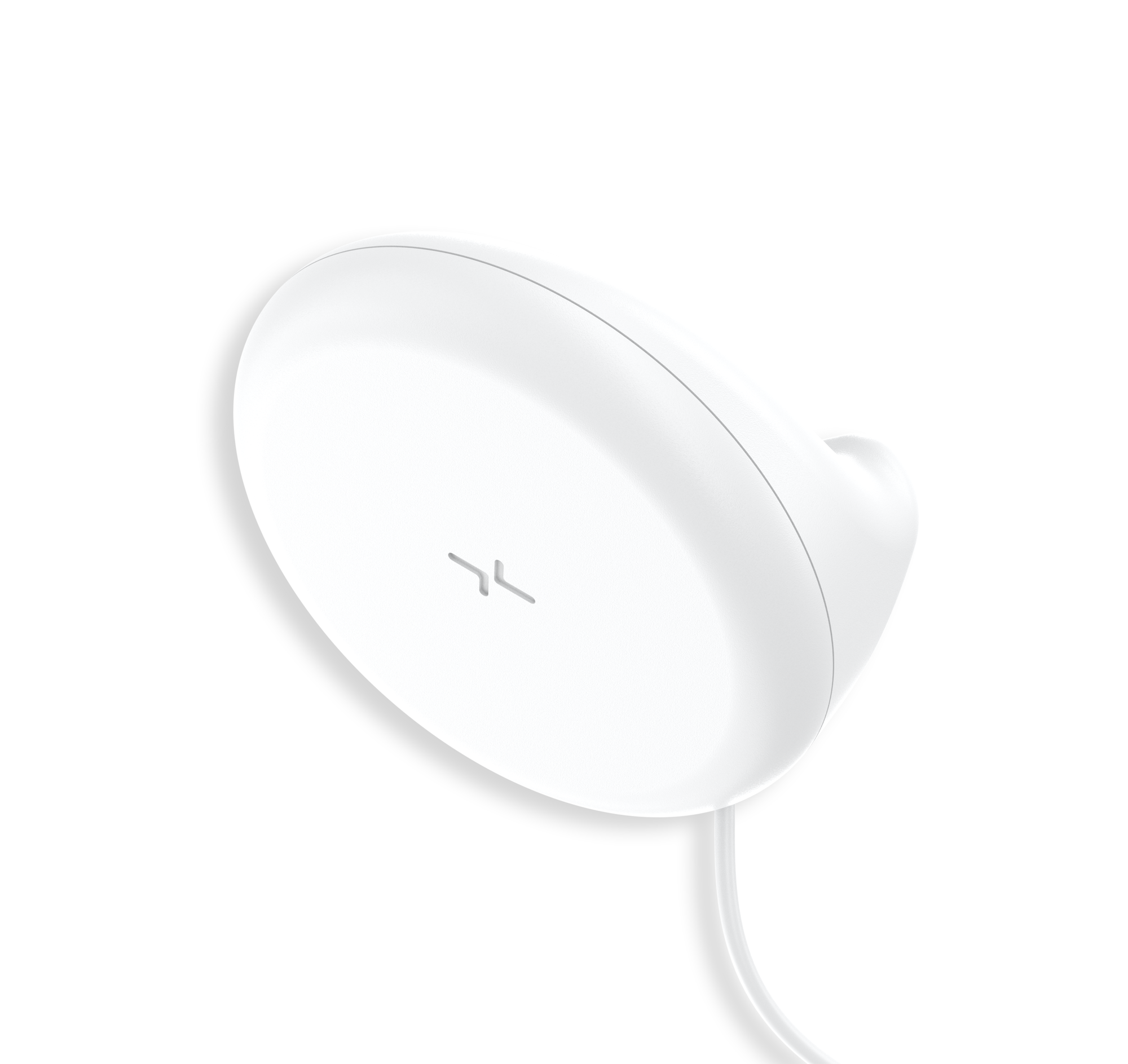
XK300 Essence
Need help with your XK300 Essence? Find everything you need to know from set up to measurement best practices and troubleshooting. We’ve got you covered.
Jump To SectionHow It Works

Setup & Use Steps
Power Gateway
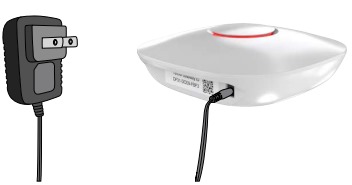
Step 1: Set up your Gateway by plugging it in. It will flash purple as it connects and then settle to a solid red color when it is connected.
Position Your Body
Step 2. Using the measuring tape, mark 60 centimeters above the mattress.
-If you’re sharing the bed, place the sensor near the
edge on your side.
-If there’s only one person in bed, place the sensor at the
center of the bed.

Reference Setup
Step 3. Ensure you position the sensor and module with enough room to reach the nearest power outlet

Attach Sensor
Step 4. Align the top to the base and slide in the top
to the base.

Mark The Spot
Step 5. Attach the wall protection film tape to the wall. Next, stick the double-sided tape to the back of the sensor base, and press the base firmly onto the film tape.

Communication Module Mounting
Step 6: Hang the module on the mount. Apply the square-shaped double-sided tape to the back of
the mount. Attach the Wall Protection Film Tape to the wall, then press the mount firmly onto it.

Transmit Data to Your Provider
Step 7: Every 6 hours, the XK device will automatically connect to the Tenovi Gateway and transmit data to your provider. The LED will turn RED at midnight and switch to GREEN once a measurement has been successfully transmitted.

LED Status Check
Step 8: Confirm your communication module is working properly by understanding the LED light.

Error Codes
Green Light
Normal Operation
No issue
White Light
The module is booting up.
Wait for the light to change to green.
Yellow Light
The module is failing to properly communicate.
Reconnect the power cable
Red Light
The connection between the Sensor and the communication module has failed.
Reconnect the XK300 Essence cable to the communication module.
This device does not display any error codes, however, it is important to check the LED Status light on the communication module to ensure your device is working properly.
Device Specifics
How Data is Collected
The XK300 Essence will continuously advertise how much data it has stored on the device. This data is organized into bins of 60 minutes. The Tenovi Gateway will automatically connect and pull data every 6 hours. The Tenovi Gateway will not beep for measurements, but the LED will turn Red at midnight and change to Green after the first successful offload of data for that day.
POBC/POC Score
Xandar Kardian developed the unique Probability of Change in Condition (POBC) Score — helping you compare not only what is “within normal limits” across populations, but also for each individual patient. The POBC score quantifies how unusual a patient’s most recent readings are compared to their own baseline. It notifies clinicians when there is a significant change that may require attention, so you can:
- Identify patients with significant changes
- Prioritize care
- Triage patients needing closer assessment
POBC/POC Score can be described succinctly as “a score that quantifies deviations from an individual’s baseline, enabling early detection of health deterioration.”
Scoring is based upon the previous 7 days of measurements. This means that in order to take advantage of POBC/POC scores, at least seven days worth of data must be collected by the XK Essence in order to look for deviations from the mean baseline.
The POBC/POC score has a minimum value of -100 and maximum value of 100. A blank score or a score of 123 signifies insufficient data collected (number of samples are too low) to calculate POBC. Typically, a POBC/POC score of more than 80 or less than -80 should be considered a warning sign that the patient requires clinical assessment.
The POBC Score answers the question “what are the odds my patient’s vital signs have changed over their normal?”
Positive or negative POBC values describe the direction of the change.
- For example: a respiratory POBC score of -85 means there is an 85% chance the resting Respiratory Rate is lower than the baseline.
- A heart rate POBC score of 95 means there is a 95% chance that the resting Heart Rate is higher than the baseline
- POBC scores for heart rate and respiratory rate are independent of each other and calculated separately.
The POBC/POC Score will not change when:
- Range of normal vital signs are high
- The number of samples are too low
- Vital signs aren’t changing
- There is no clear established baseline (e.g., minimal days of data)
- The onset of the change is very acute/sudden (e.g., Pulmonary Embolism, drug overdose, sudden cardiac arrest)
Storage Events
The XK300 Essence can store up to 1865 minutes (31 hours and 5 minutes) of data, while plugged in and away from the Tenovi Gateway, regardless of the time span of the readings. If the device loses power, all stored data will be lost.
Device Reissue
If this is a replacement device please visit the Tenovi Web App for further assistance.
The XK300 Essence is compatible with Gateway firmware 2.201.48. and later. Using a Gateway with an earlier firmware version may cause connectivity problems.