


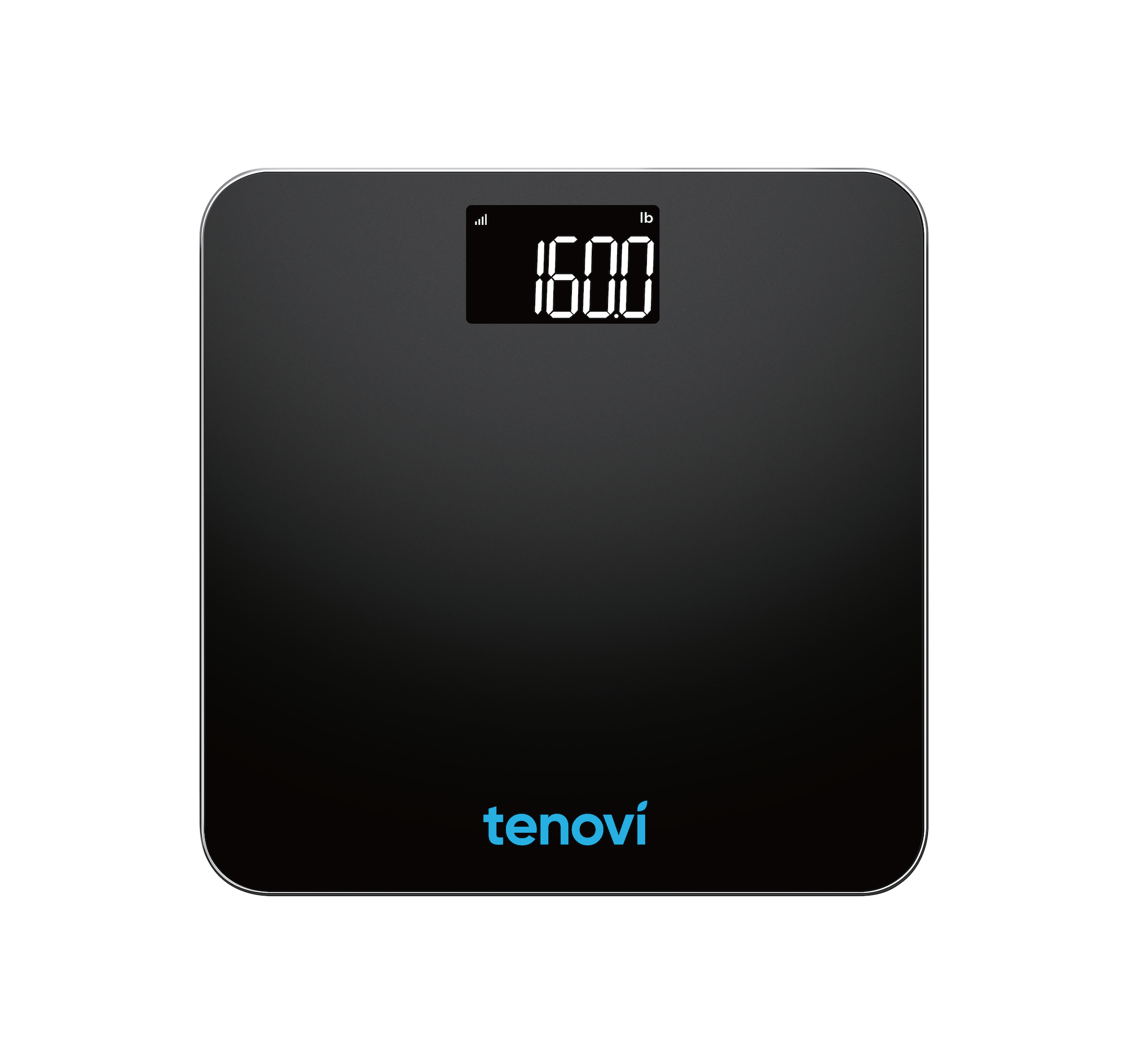
Tenovi Cellular Scale
Need help with your Tenovi Cellular Scale? Find everything you need to know from set up to measurement best practices and troubleshooting. We’ve got you covered.
Jump To SectionHow It Works
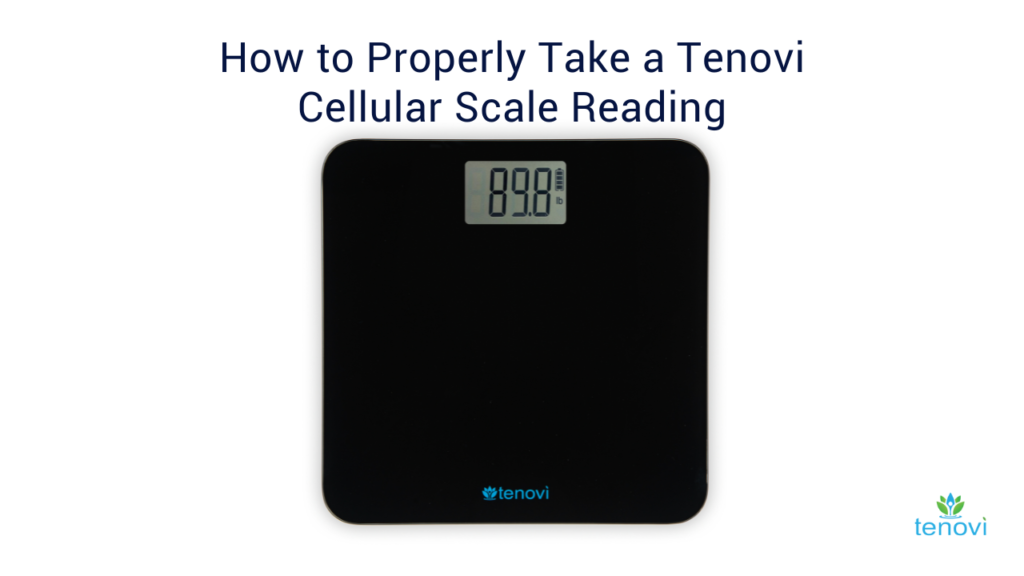
Top Tips for Successful Measurement
Proper Scale Usage
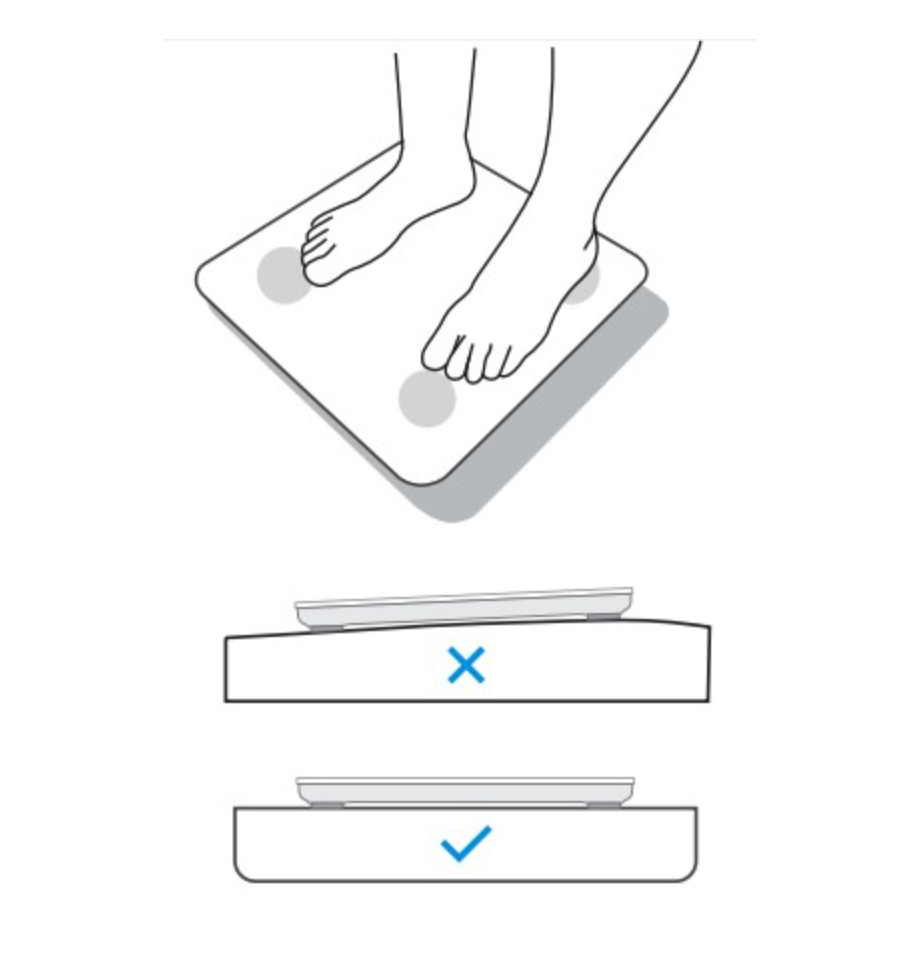
The scale should not be used on carpet, rug, or uneven floor. Ensure that the floor under the scale is clean and free of debris. The scale feet must be level and stable. Don’t lean or hold anything while standing on the scale.
To take multiple measurements, wait for the screen to turn off before stepping back on the scale.
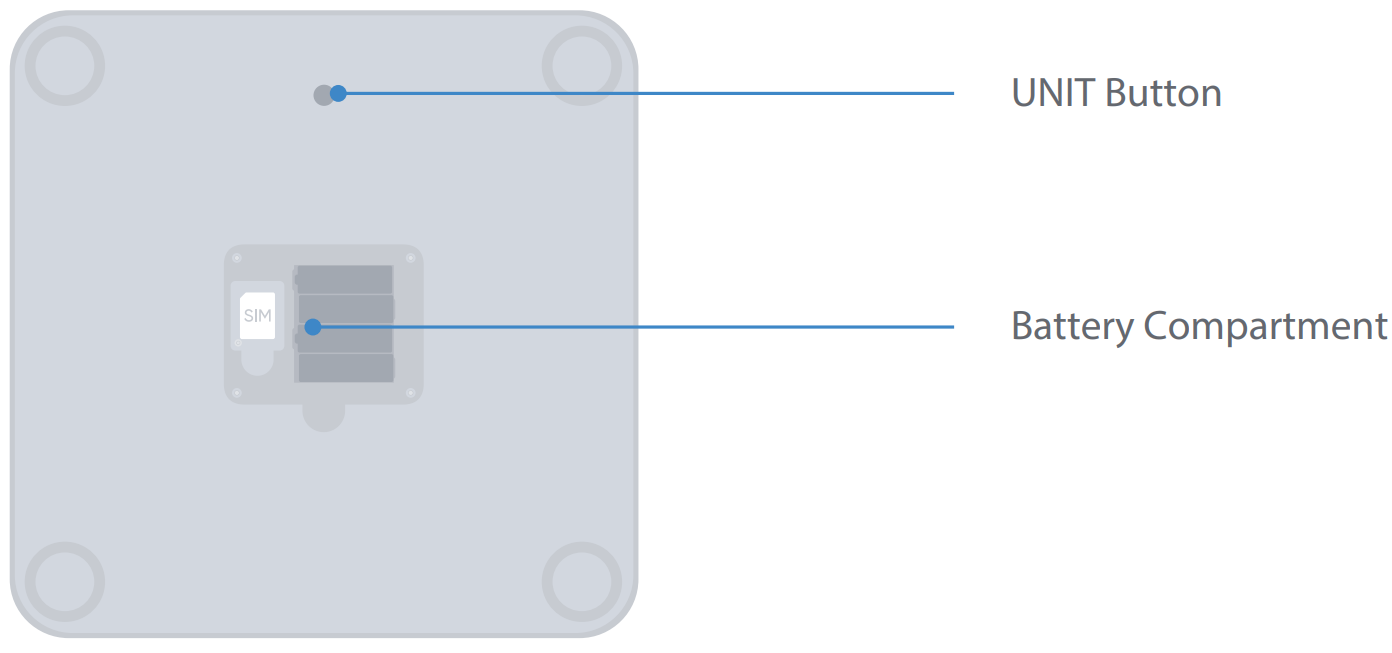
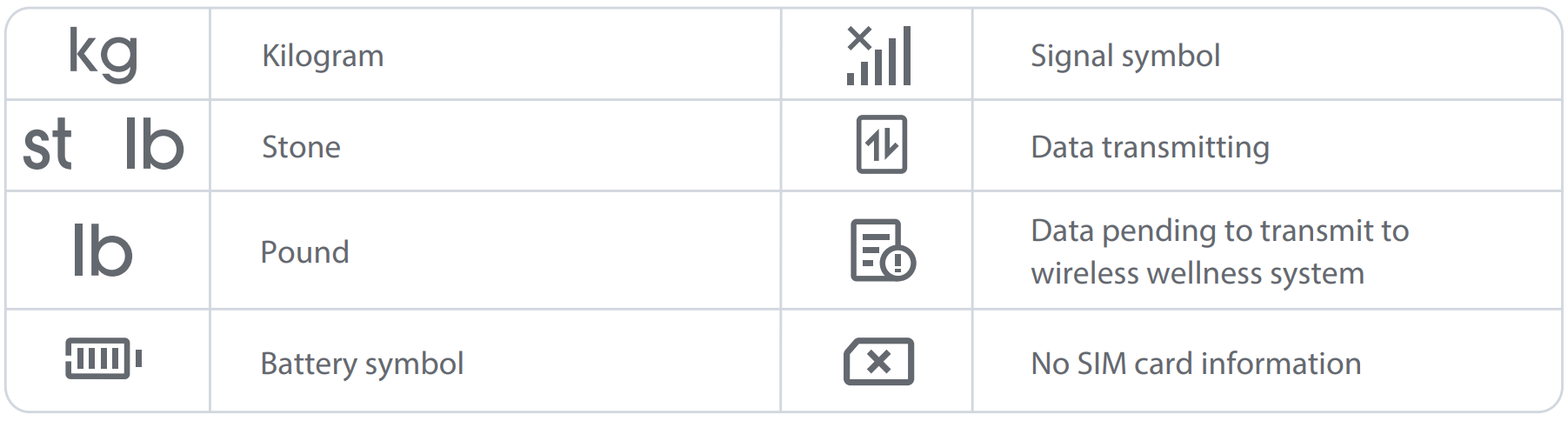
To toggle between pounds and kilograms, press the black circular button on the underside of the scale.

Accurate Measurements
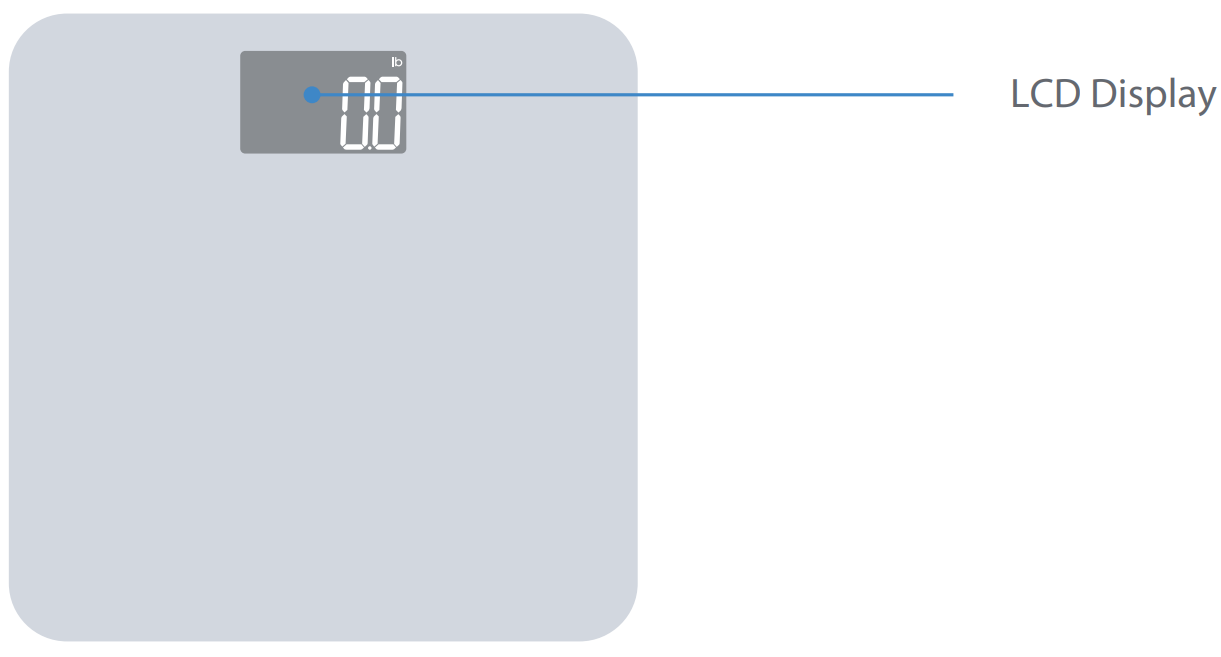
Wait for the scale to say 0.0 before stepping on, or the weight measurement may be inaccurate. After stepping on the scale, wait for the screen to flash before stepping off.
For the most accurate measurement, stand with both feet on the scale and arms at your side. Do not lean or support yourself by grabbing onto something while taking your measurement.

Setup & Use Steps
Insert The Batteries
Insert 4 AA batteries (included) into the battery compartment. Make sure to insert the plus and minus ends of the batteries correctly.

Scale Placement
Place your scale on a flat and hard surface. Do NOT place the scale on carpet or soft surface.
Make sure you are placing the scale on a clean surface, ensuring there is no debris under or around the scale.
Scale Operation
Step on the scale with clean, bare feet and keep your arms at your side. Do not lean or hold anything while standing on the scale.
Wear as little clothing as possible.
Do not step off the scale until the numbers flash twice.

Daily Measurements
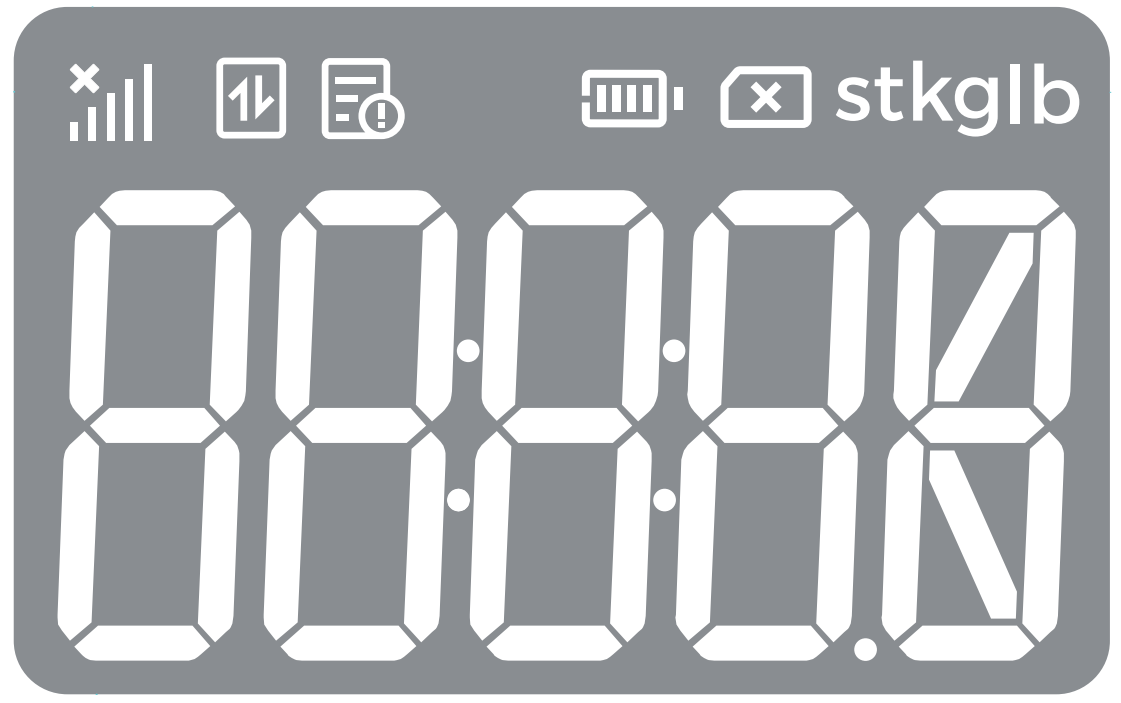
If there is network connectivity, the 📶 symbol will appear.
The device will display “OK” within a few minutes if the measurement has been successfully transmitted.
You may not take another reading until the screen turns off.

When Taking a Measurement
Before You Take Your Measurement
- Place the scale on a flat, solid floor, such as tile, hardwood, etc.
- Make sure you are placing the scale on a clean surface, ensuring that there is no debris under or around the scale.
- Stand still, centered, and balanced.
- If your scale shows an abnormal reading, lift up the scale and check that there is nothing underneath.
- There is no way to recalibrate or TARE your Tenovi Cellular Scale.
Taking Your Weight Measurement
- Weigh yourself at the same time daily.
- Morning is ideal because it minimizes fluctuations due to food intake and hydration levels.
- Clothing can add variable weight. Use consistent clothing or none at all.
- Avoid weighing immediately after exercise or showering. Physical activity and hot showers can cause weight fluctuations due to fluid loss or retention. Wait at least 30 minutes before weighing.
- For the most accurate measurement, stand with both feet on the scale and arms at your side.
- Do not step off the scale until the screen flashes.
Device Specifics
Device Features
Transmitting Your Measurements
The Tenovi Cellular Scale will connect automatically out of the box to the nearest cellular network after a successful measurement is completed and transmit your measurements.
Storage Events
The Tenovi Cellular Scale will store historical measurements on the device. This means if your device is unable to find a cellular signal, the scale will save your measurements. After each measurement the device will attempt to connect to a nearby cellular network and when successful, will transmit all saved measurements. You are not able to cycle through previous measurements on the device itself.
Estimated Readings
For devices that have the ability to store historical measurements, whenever the clock on the device is reset (such as when batteries are removed), the device defaults to the preset time. So when a measurement is sent to the Tenovi Server and the time cannot be validated, the reading may come in as estimated on the Tenovi Web App.
Device Reissue
- If this is a replacement device sent to an existing patient, there are no additional setup steps for the patient.
- The Care Provider will need to confirm the new IMEI is entered on the Tenovi Web App.
Error Codes

The sensors are overloaded.
First, retake your measurement making sure to zero-out the scale first but stepping on and stepping off. The number should display 0.0. Then step on the scale and take your measurement. If the issue persists, then the weight that is read is out of the measurement range for this device (11 lbs to 440 lbs).
If the scale does not zero-out, then contact Tenovi Support for a replacement scale.

There is a SIM card error.
Contact Tenovi Support for a replacement scale.

The device could not find a cellular signal.
Move the scale closer to a window or somewhere you receive good cellular signal on your cell phone. Retake your measurement. If the issue persists, please contact Tenovi Support.
E1

The device has experienced a hardware error.
Step off the scale and allow the screen to turn off. Retake your measurement. If the issue persists, please contact Tenovi Support.
E3

The device has experienced a data transmission error and failed to send the measurement.
Move the scale closer to a window or somewhere you receive good cellular signal on your cell phone. Retake your measurement. If the issue persists, please contact Tenovi Support.
E4

There is no cellular coverage in your area or a cellular connection error has occured.
Move the scale closer to a window or somewhere you receive good cellular signal on your cell phone. Retake your measurement. If the issue persists, please contact Tenovi Support.
E5

SIM status has been suspended.
Move the scale closer to a window or somewhere you receive good cellular signal on your cell phone. Retake your measurement. If the issue persists, please contact Tenovi Support.
E6

There was an error connecting to the Tenovi Server.
Move the scale closer to a window or somewhere you receive good cellular signal on your cell phone. Retake your measurement. If the issue persists, please contact Tenovi Support.
E8

There was an error validating the SIMs certificate.
Move the scale closer to a window or somewhere you receive good cellular signal on your cell phone. Retake your measurement. If the issue persists, please contact Tenovi Support.
EErr

The device has experienced a hardware error.
Please retake your measurement. If the issue persists, please contact Tenovi Support.
Scale not transmitting and no error code displayed?
- Power cycle your Tenovi Scale by removing the batteries, and reinserting the batteries.
- Move the scale closer to a window or somewhere you receive good cellular signal on your cell phone. Retake your measurement.
- If the issue persists, please contact Tenovi Support.